Home / streamer mode
Twitch and YouTube
Streamer mode
One More Lawn on Steam: The built-in station is cleared by the developer. Your own MP3s are not. Streamer Mode only handles the second problem, plus the lobby code.
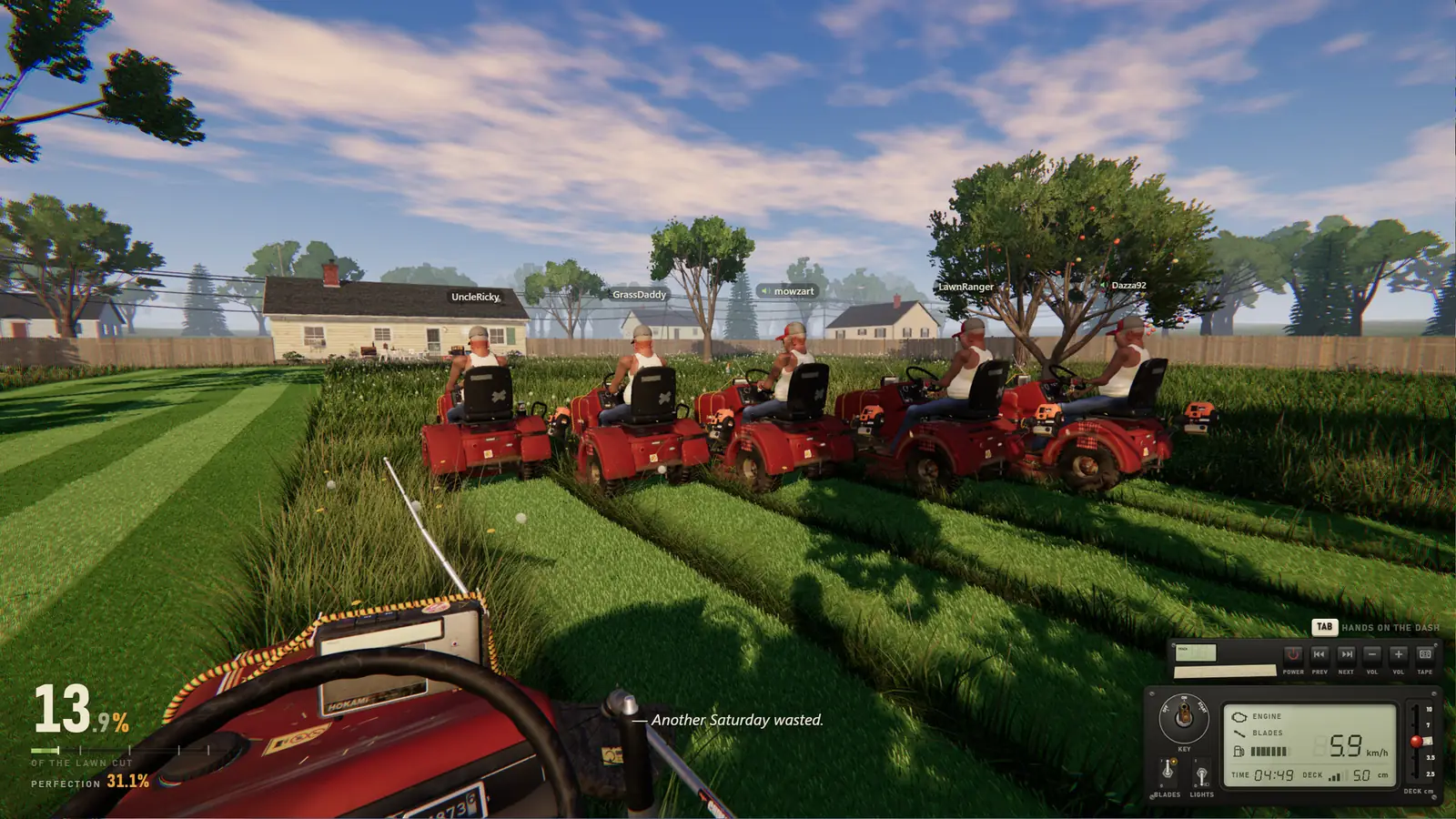
The store About text says the built-in radio can be used freely in streams and videos, including monetized ones, and that music you import cannot. Streamer Mode turns the imported music off. Update 0.9.19 adds the other half: the lobby code leaves the screen and can still be copied. The switch lives in Options or on the Play with Friends sheet.
What the switch does not do
It does not silence Nice to Meet You, Roach or any other explicit built-in track. The dash still has previous, next, volume, and tape. If a chorus is a problem for the channel, skip the song. I am not writing “DMCA safe.” The developer’s sentence is about their station. Twitch and YouTube still apply their own policies, and I do not speak for them.
When a friend plays their own song
0.9.19 says you can accept a friend’s shared music with one click, and Options can be Ask, Always, or Never. Always is the setting I would not leave on during a monetized broadcast, because that audio is the kind Streamer Mode exists to stop. Ask leaves the choice on the streamer.
The song list and the explicit flags are on the soundtrack page. The six-digit code itself is explained on multiplayer.
Questions
Can I monetize a One More Lawn stream?
Superdou says yes for the built-in radio. Imported files are excluded. Platform rules still apply on top of that sentence.
Does Streamer Mode hide swearing?
No. It hides the lobby code and stops player-imported music. The built-in lyrics still play.
Where is the switch?
Options, or the Play with Friends sheet, according to the 0.9.19 note. I do not have a screenshot of that menu.
Related: SoundtrackCo-opUpdates
Sources
- Steam store page — checked 2026-11-12
- Demo update 0.9.19 — checked 2026-11-12