Keys and wheels
Controls
One More Lawn on Steam: The title-screen panel says E for getting off the mower. I am not copying a wiki that says Space.
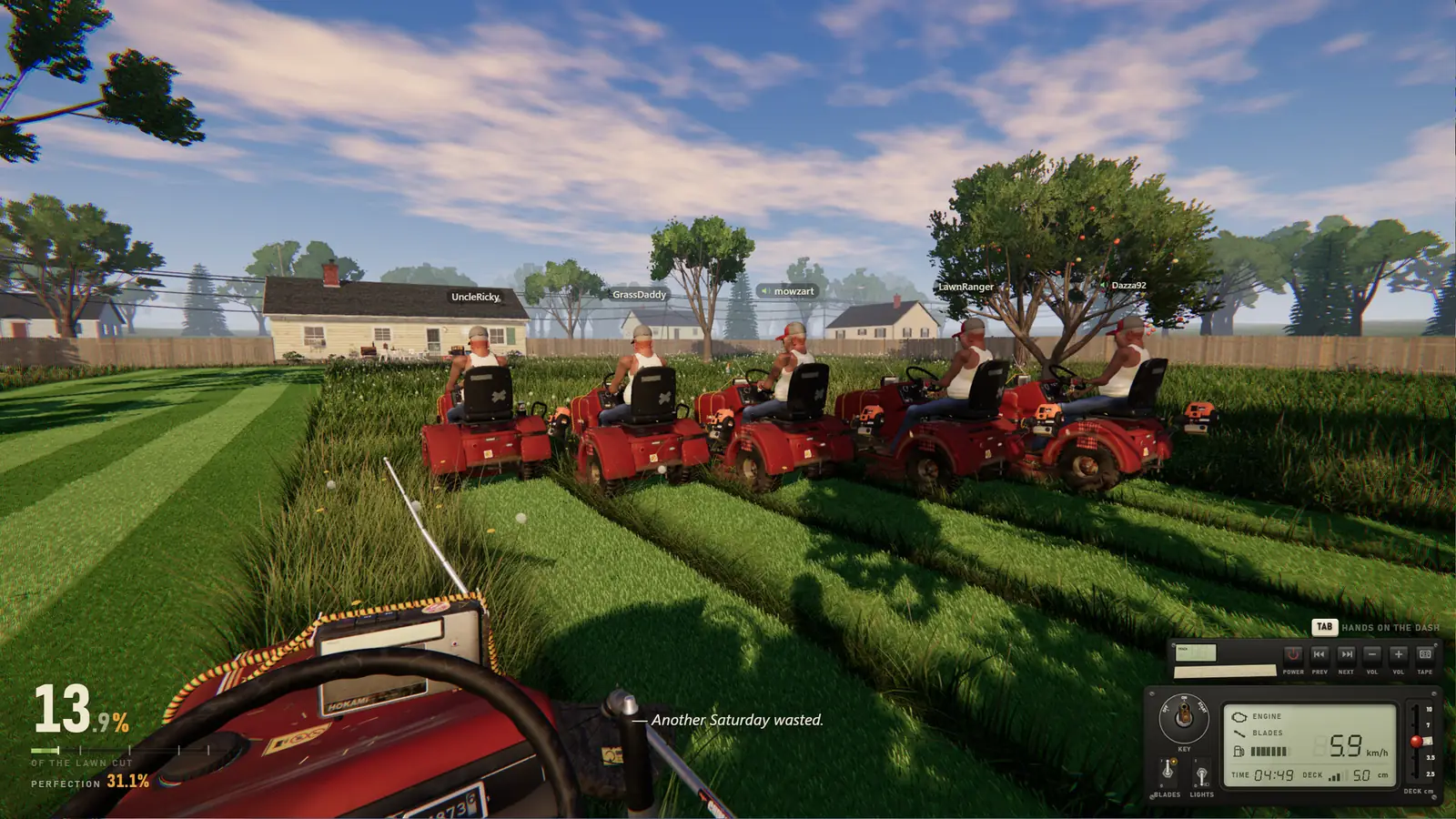
There is no official full bind list. What follows is the COMMANDES panel on the v0.9.23 title screen in a public playthrough, plus the on-screen prompts in Steam’s own screenshots, plus the patch notes that mention wheels and pads. If a bind is missing from all three, I leave it off.
On the mower
| Action | Default | Where I saw it |
|---|---|---|
| Drive | WASD | Title-screen panel, v0.9.23 |
| Look, and click the key, blades, lights | Mouse | Title-screen panel |
| Get off / get on | E | Title-screen panel. Not Space. |
| Rear camera | V | Title-screen panel |
| Hands on the dash | Tab | Store screenshot prompt |
| Deck height | Mouse wheel, with hands on the dash | Store UI |
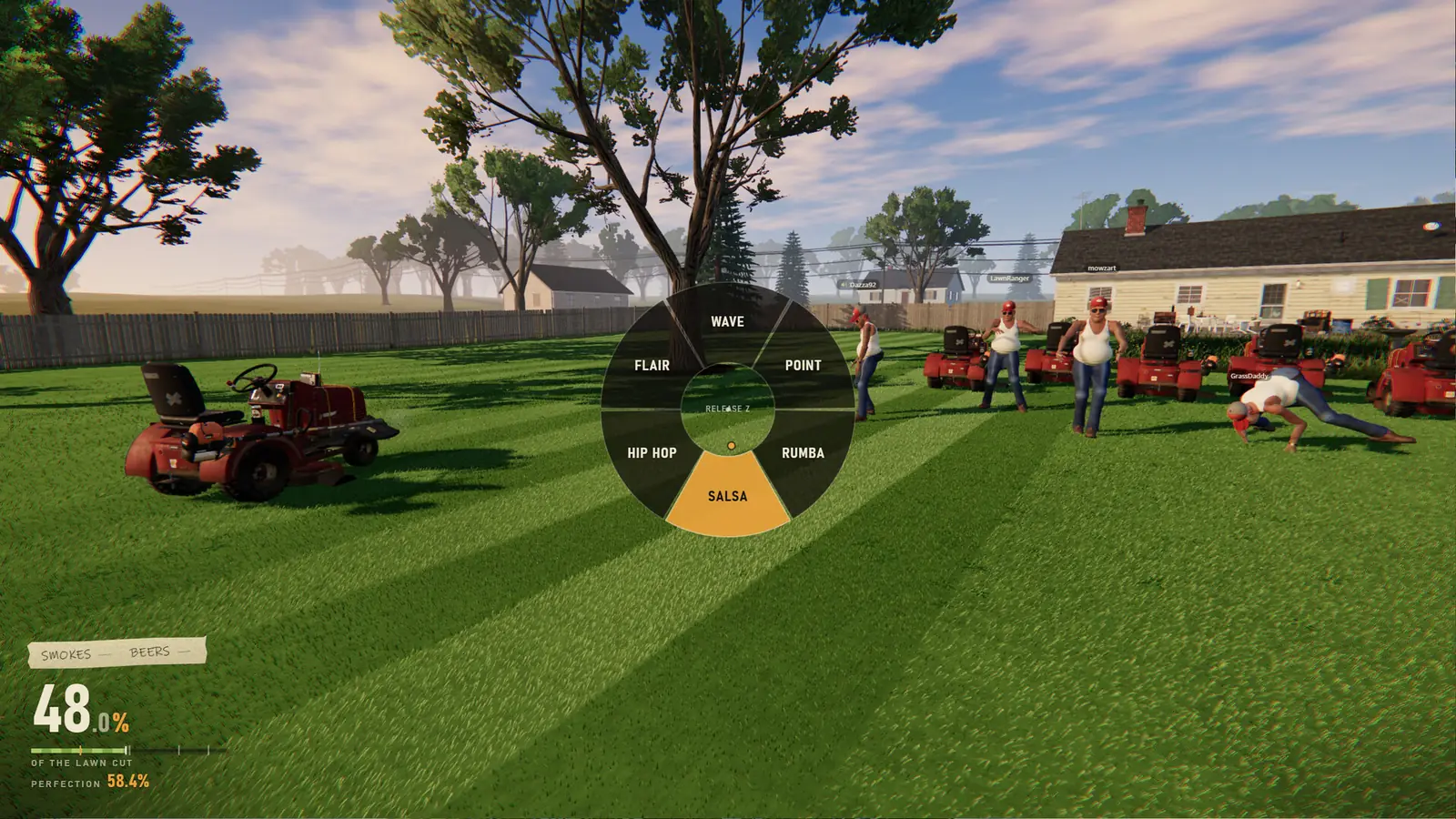
| Emote wheel | Hold Z | Screenshot: Wave, Point, Rumba, Salsa, Hip Hop, Flair |
Other scenes
- Golf: 1 driver, 2 putter, Q to quit. Hold left click to power the swing, aim with the mouse. Hole 1 and Hole 2 in the screenshots are both par 3.
- Receipt: N start over, M menu, T timelapse.
- Boat: WASD, and E to stand up, from the island screenshot prompt.
- Rebinding: Options, Controls, Keys and Buttons. Wheel binds sit under Wheel and Pedals as of 0.9.18.
Gamepad and a wheel
Steam lists full controller support and DualShock. Updates 0.9.18 and 0.9.19 say Deck and odd gamepads got better, and 0.9.19 adds a “Use controller” switch that can turn pads off completely. The recommended-spec note names a force-feedback wheel, Logitech G29 and other DirectInput wheels. Update 0.9.20 lets the wheelbase, the pedals, and the handbrake be separate devices, and it names MOZA and Fanatec as examples. Smoke and drink keys are not on the title panel, so I am not assigning them.
Questions
How do I get off the mower?
E, according to the v0.9.23 title-screen panel. A competing wiki says Space. I am keeping E.
Does a steering wheel work?
The store note recommends a Logitech G29 or another DirectInput wheel. 0.9.20 added calibration for separate wheel, pedal, and handbrake devices.
Can I rebind keys?
Yes. Options, Controls, Keys and Buttons, since the 0.9.18 note.
Related: BeginnerToolsPC specs
Sources
- Steam store page — checked 2026-11-12
- Demo update 0.9.18 — checked 2026-11-12
- Demo update 0.9.19 — checked 2026-11-12
- Demo update 0.9.20 — checked 2026-11-12
- Ryder25 title screen — checked 2026-11-12